
What it does
A few of the questions travelers ask, and how the Agent answers.
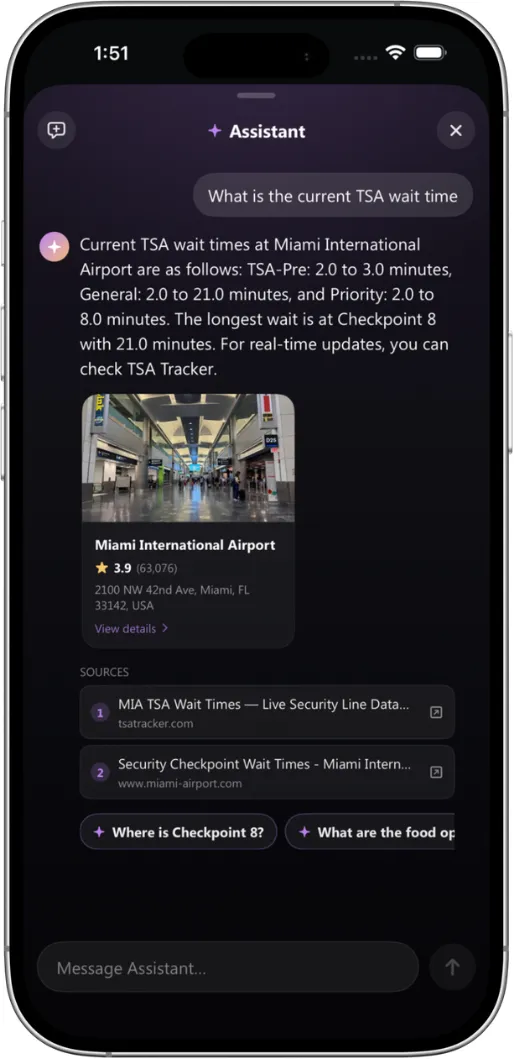
Real time answers with sources
TSA wait times, checkpoint status and security lines, pulled from live venue data with citations.
Why it matters
Travelers trust what they see, and staff are no longer stuck answering the same questions all day.
Curated picks with photos
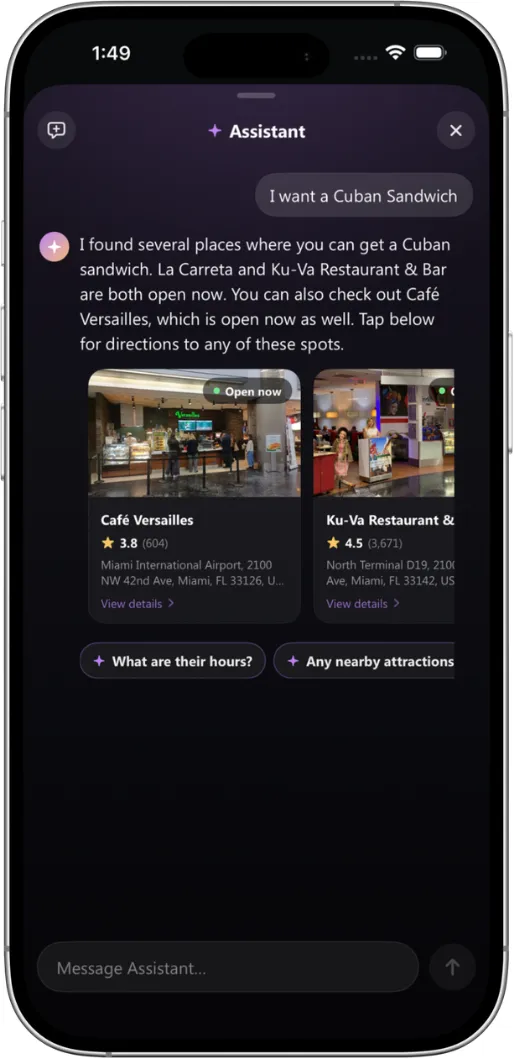
"I want a Cuban sandwich." The Agent surfaces nearby spots with photos, ratings and open now status.
Why it matters
Answers are tailored to where the traveler is standing right now, inside the venue.
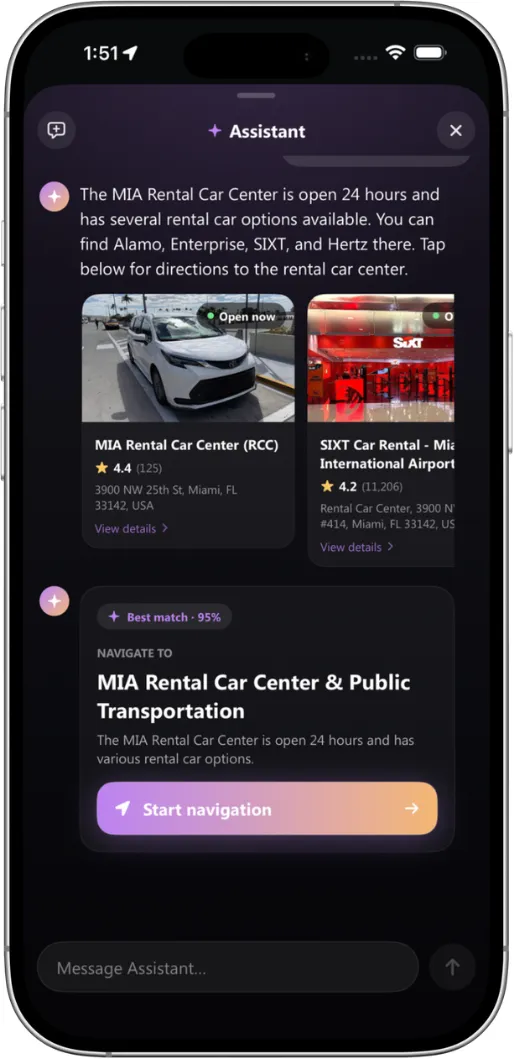
From rental counters to the right ride
The Agent understands transport intent and matches the right provider.
Why it matters
One tap hands off to indoor navigation, straight to the counter or pickup zone.
Deep details and one tap actions
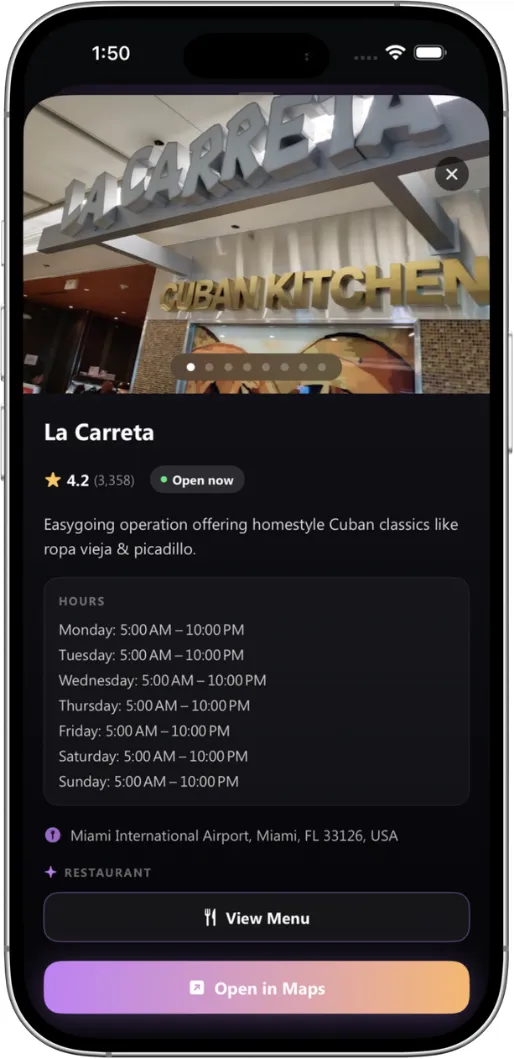
Hours, menus, directions and ratings in one place.
Why it matters
Travelers can navigate or open in Maps without switching apps or losing context.
Three things make it useful
The Agent is grounded in real venue data, not guesses.
Natural conversation
Ask the way you would ask a person. The Agent handles follow ups and context across the whole journey.
Live, sourced answers
Answers come from current venue systems, with citations so travelers know where information came from.
One tap actions
Navigate, call ahead, view menus or open in Maps. Every answer ends in action.
How it works
From question to route in seconds.

Ask in natural language
"Where can I get coffee?" or "Is TSA busy right now?" Type or speak.
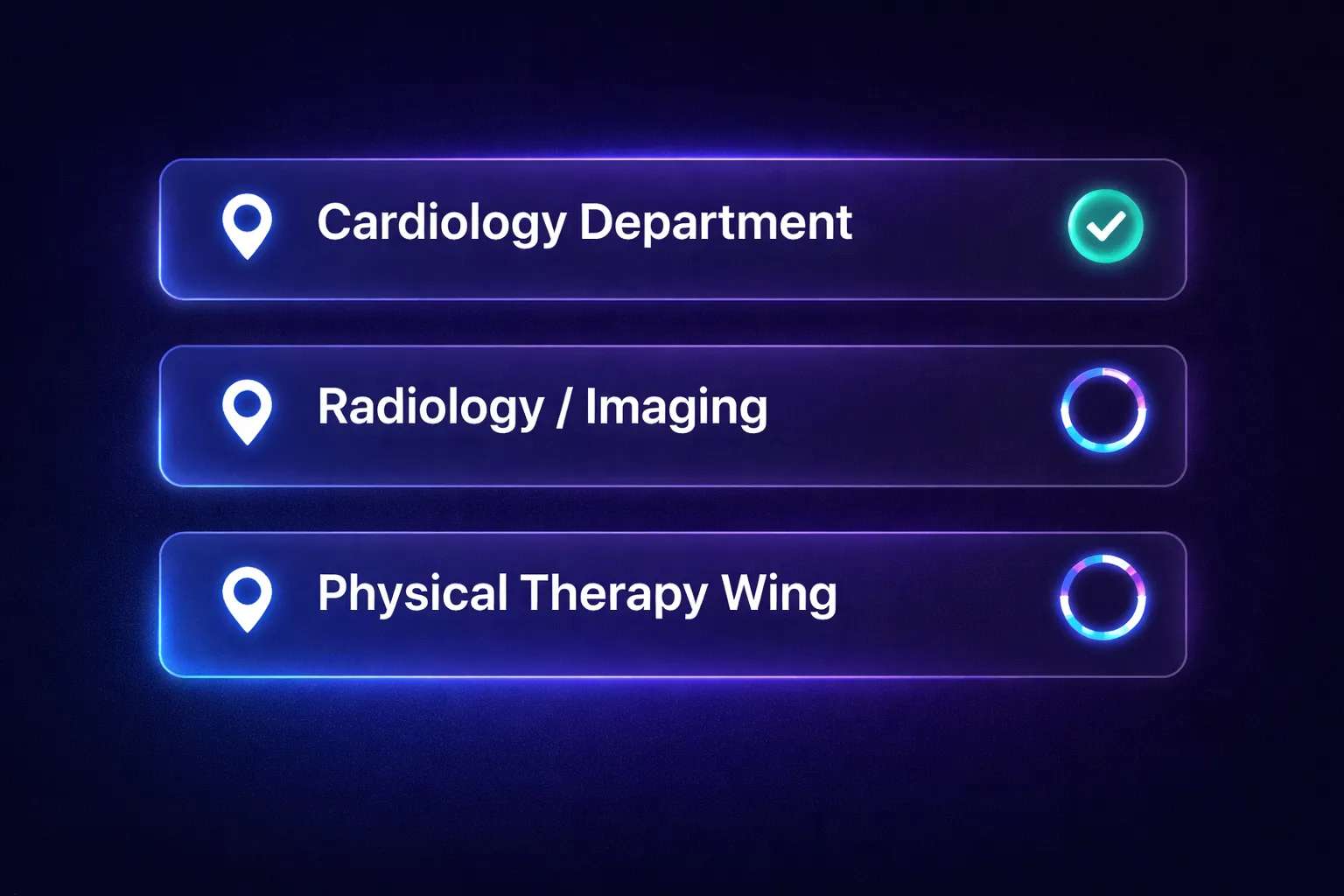
The Agent checks venue data
It understands intent and location, then pulls live information from the venue's systems.
Get a visual answer
Photos, ratings, hours and wait times, formatted for quick decisions.
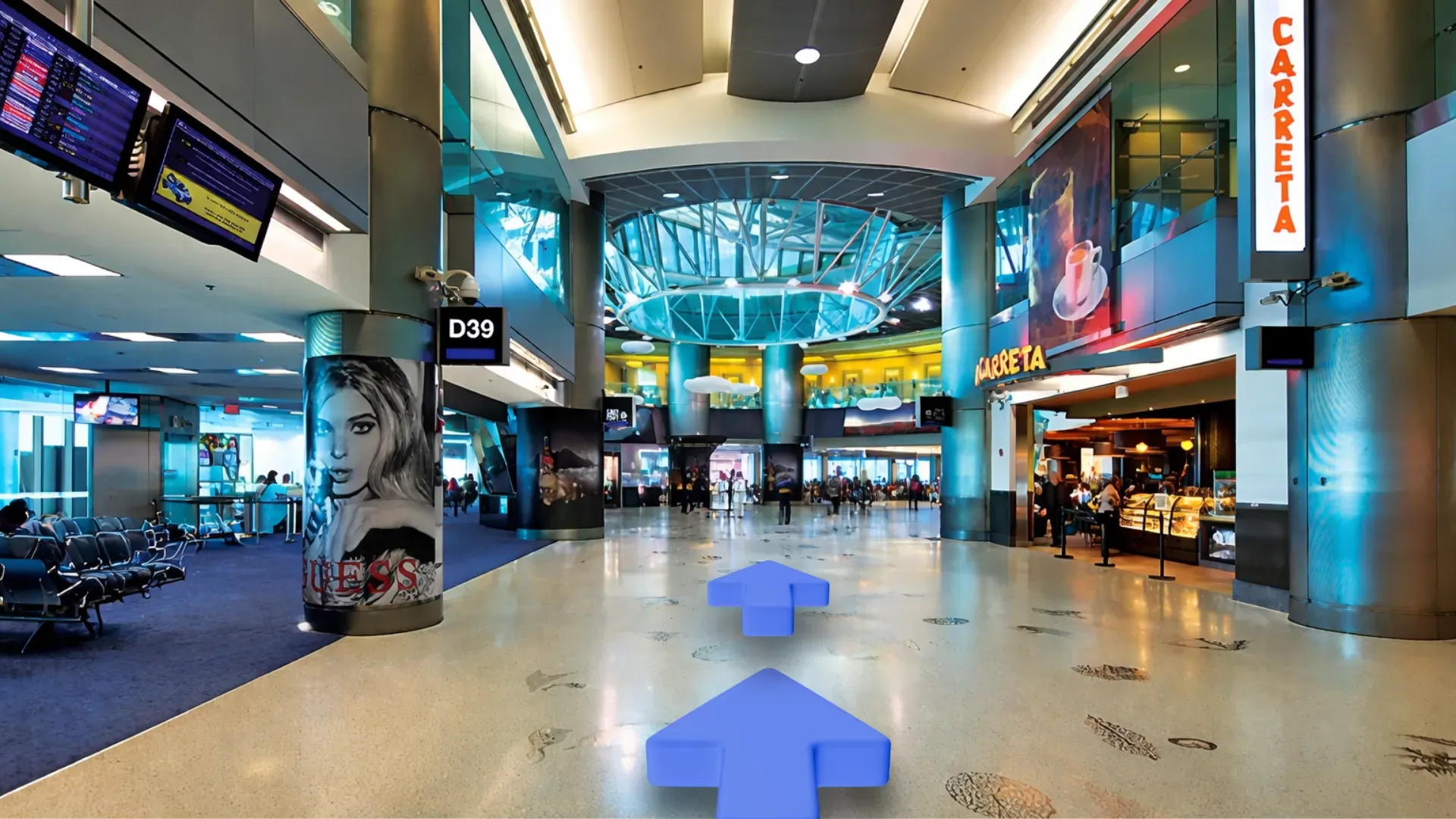
Take action
Navigate, call or open in Maps. Context carries to the next question.
See it in your venue
A short demo with our team, usually 20 minutes, running on real venue data.
Request a demo