





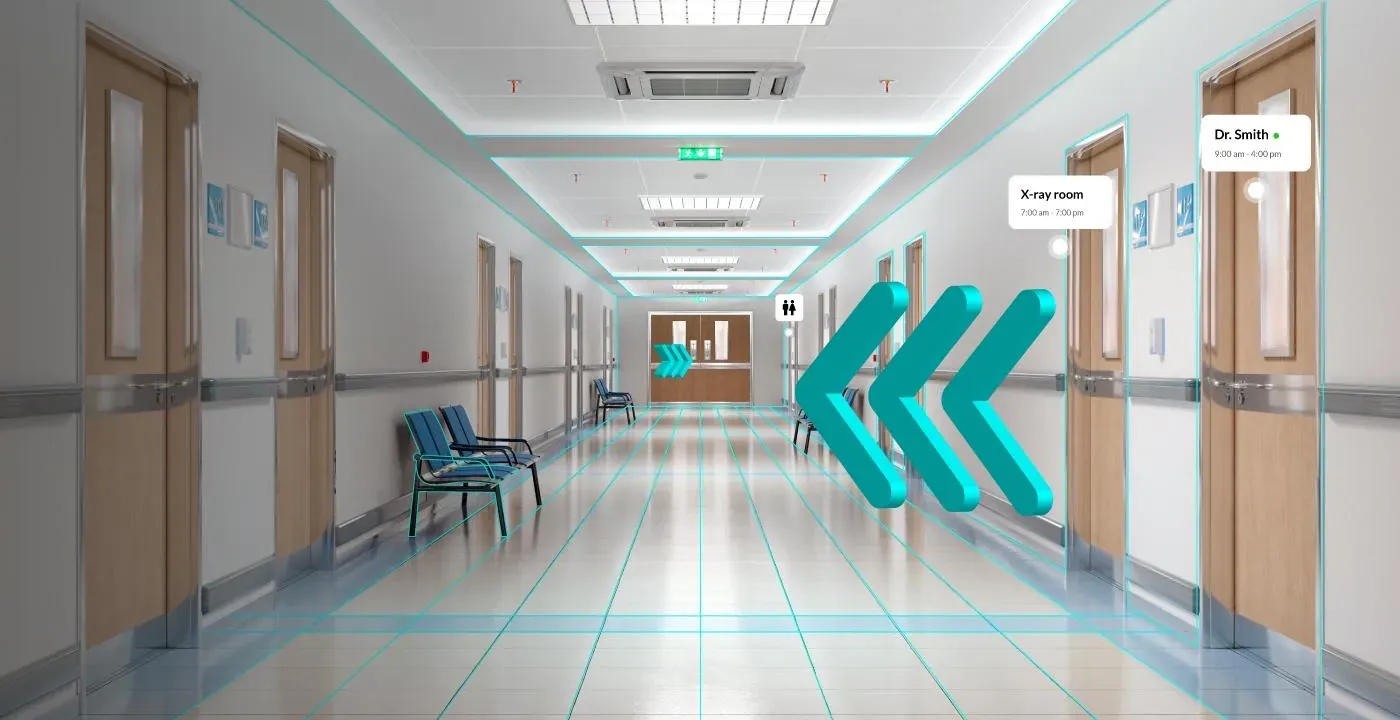
Hi, where do I go for my MRI?
Finding imaging
A patient arrives for an MRI and asks where to go from the main entrance.
Indoor wayfinding for hospitals, airports and airlines. No app, no beacons.
RouteMe plugs into the apps your visitors already trust. Epic MyChart, your mobile app, confirmation emails and Outlook invites all carry a route they can preview before they leave home.
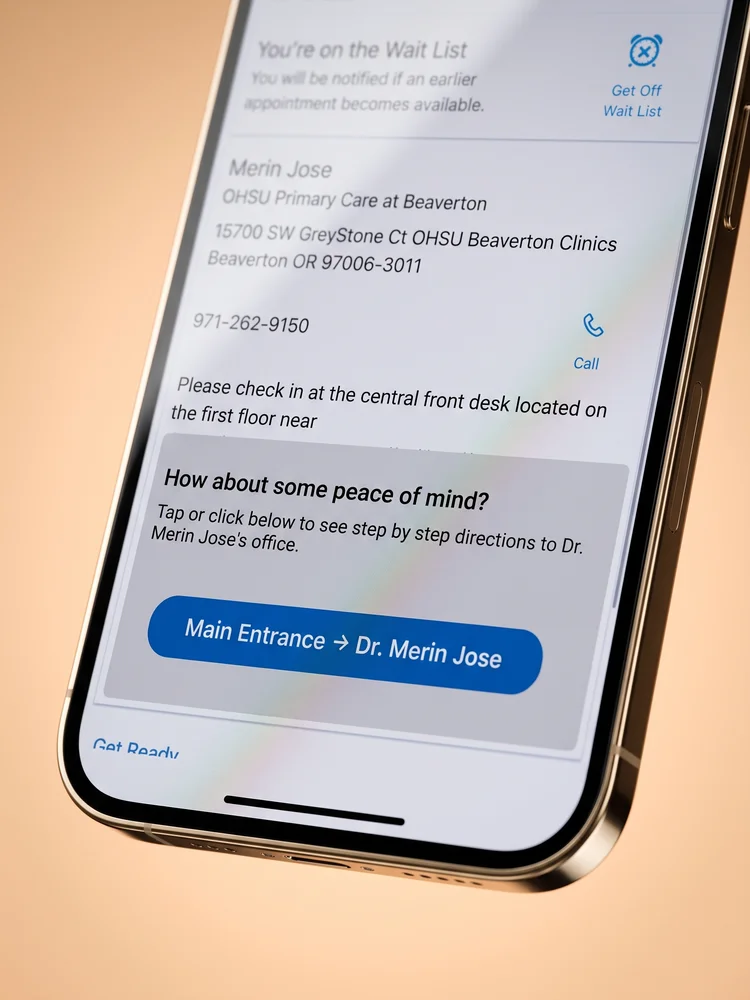
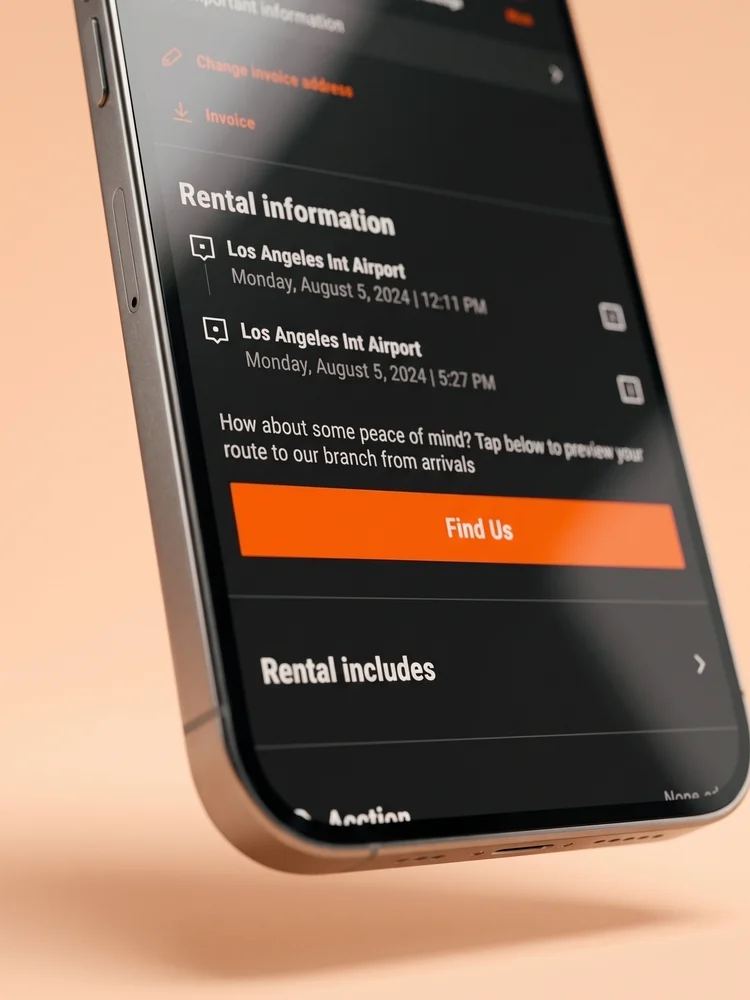
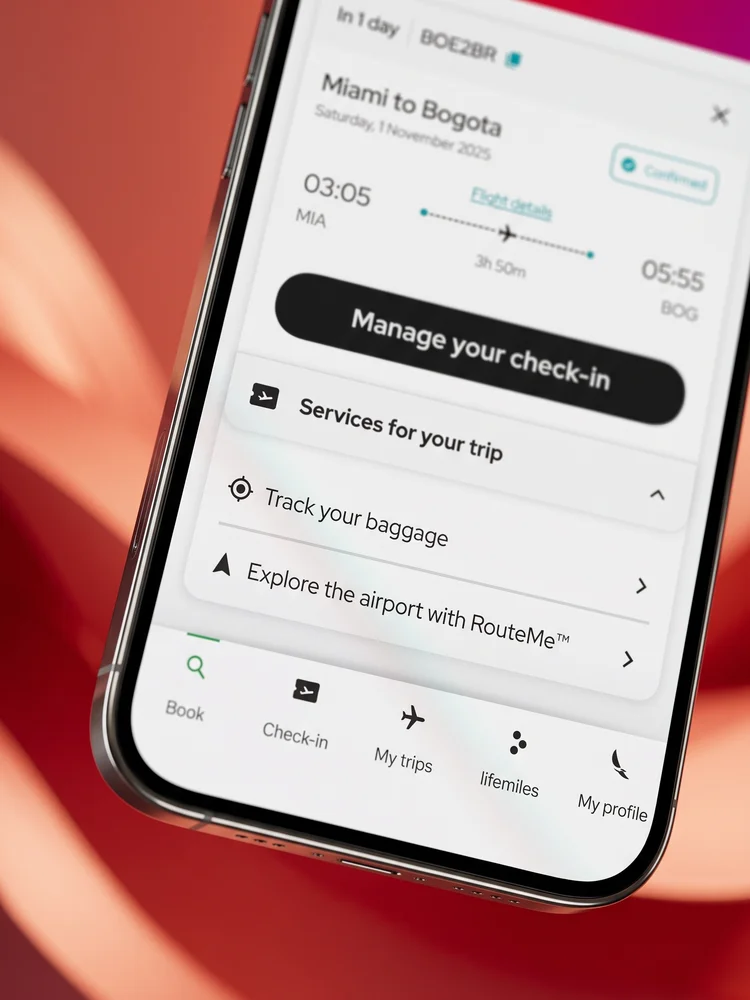
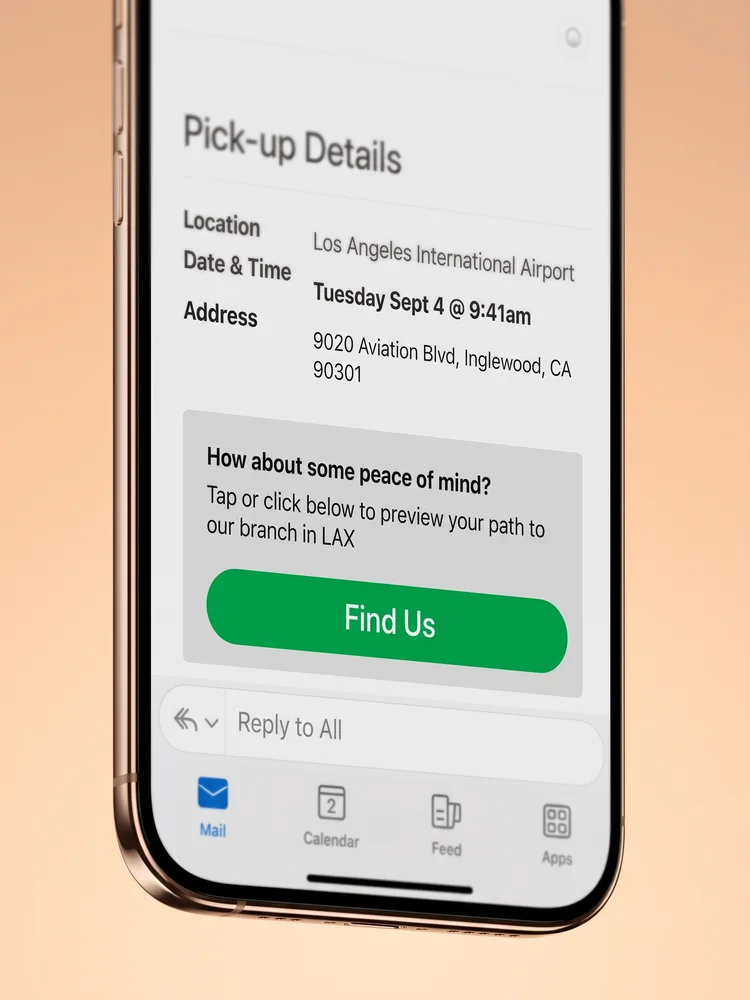
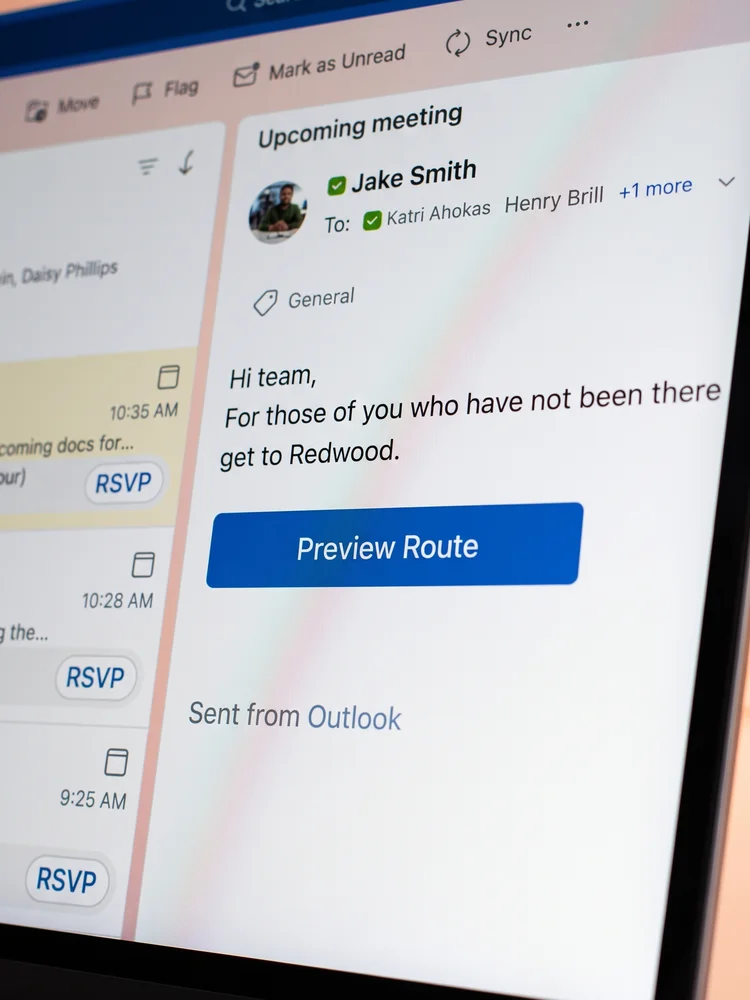
RouteMe helps hospitals, airports and airlines get every visitor to the right door, in their language, with nothing to download.
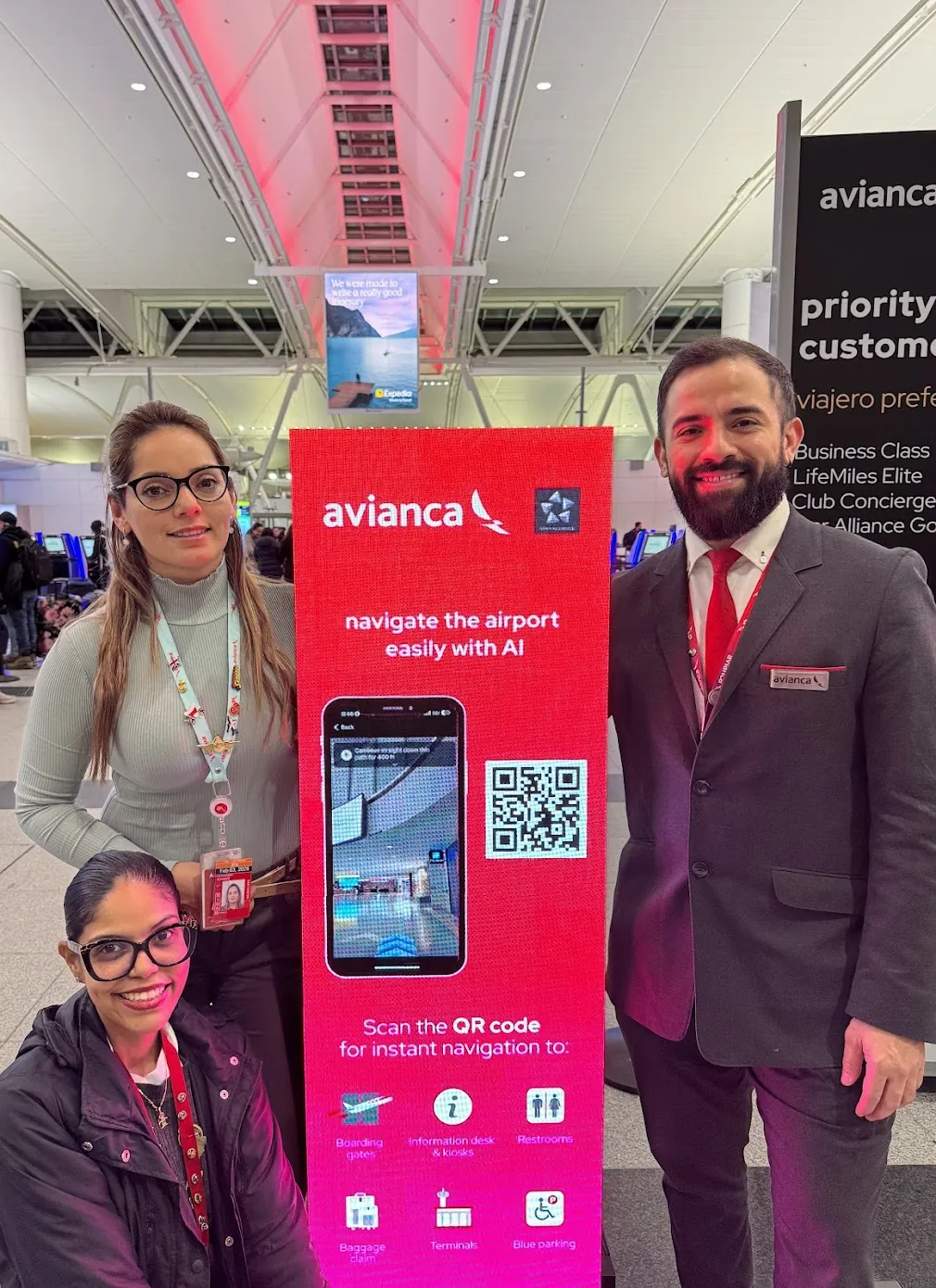
Tap a link or scan a QR code. Turn by turn video navigation runs in any mobile browser, with no hardware to install.
Routes follow each visitor's device language, with voice and high contrast options built in.
Setup and ongoing support come standard. No surprise costs and no third party contractors.
Listen to RouteMe guide patients, veterans, travelers and renters at our customers. Tap the speaker to hear it.
Hi, where do I go for my MRI?
A patient arrives for an MRI and asks where to go from the main entrance.
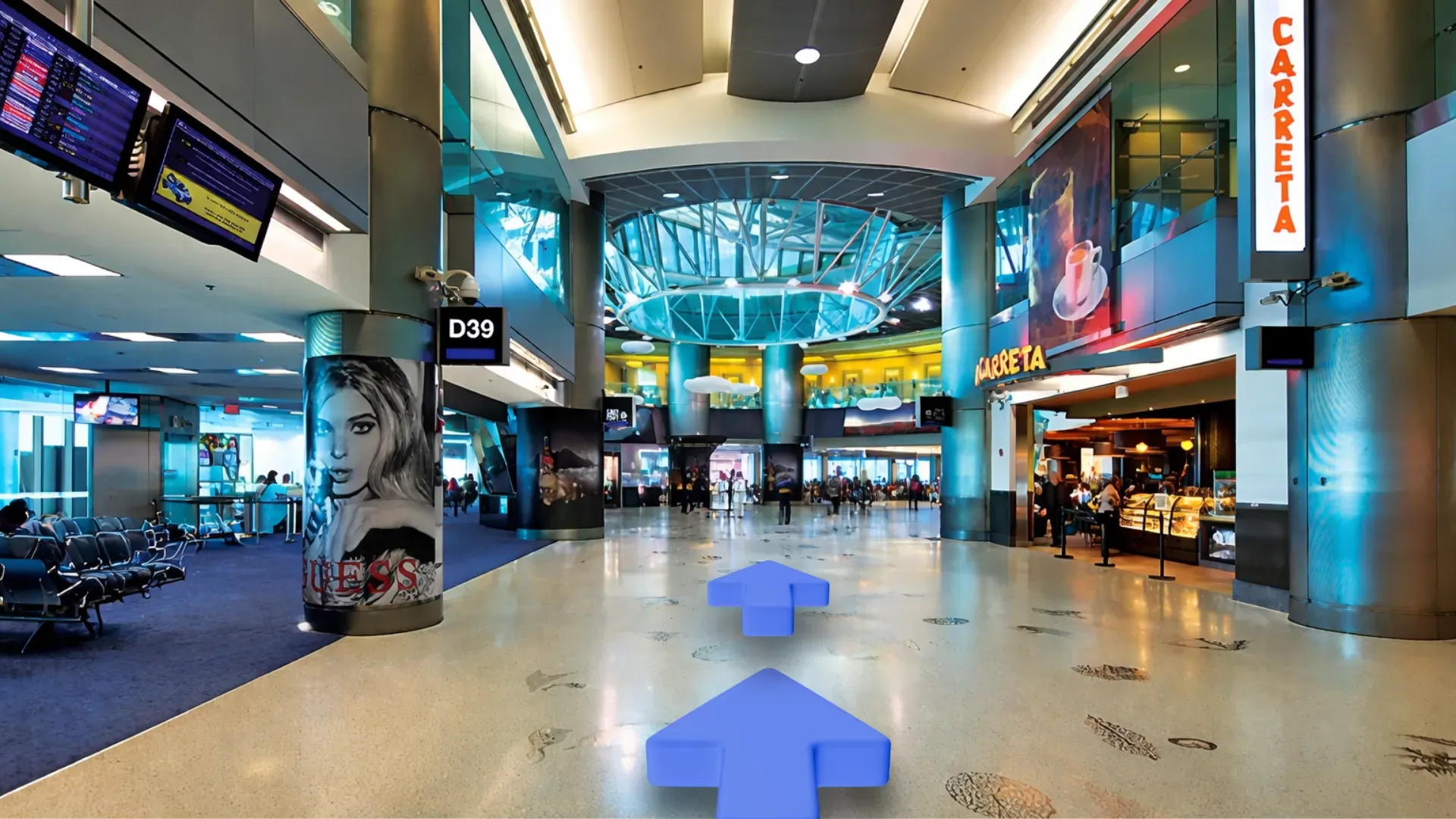
Heads up, Daniel. Your flight to Bogotá moved to gate D12.
A traveler gets a gate change while grabbing coffee.
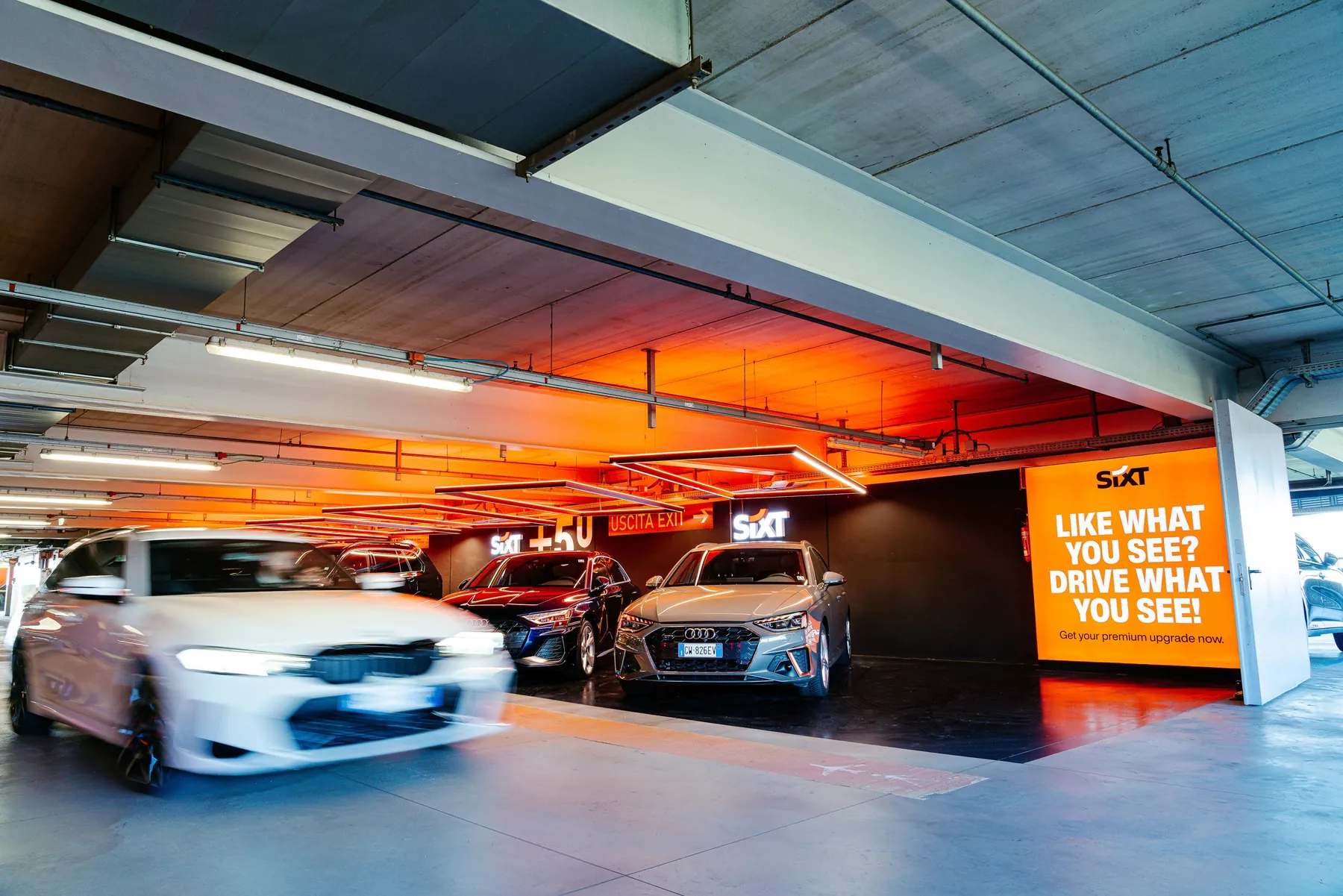
You are all set, Priya. Your car is on level 2, bay 14.
A renter finishes check in and heads into the garage.
Welcome, Grace. Your wheelchair assistance is waiting at the gate.
A traveler who needs extra time connects in Bogotá.
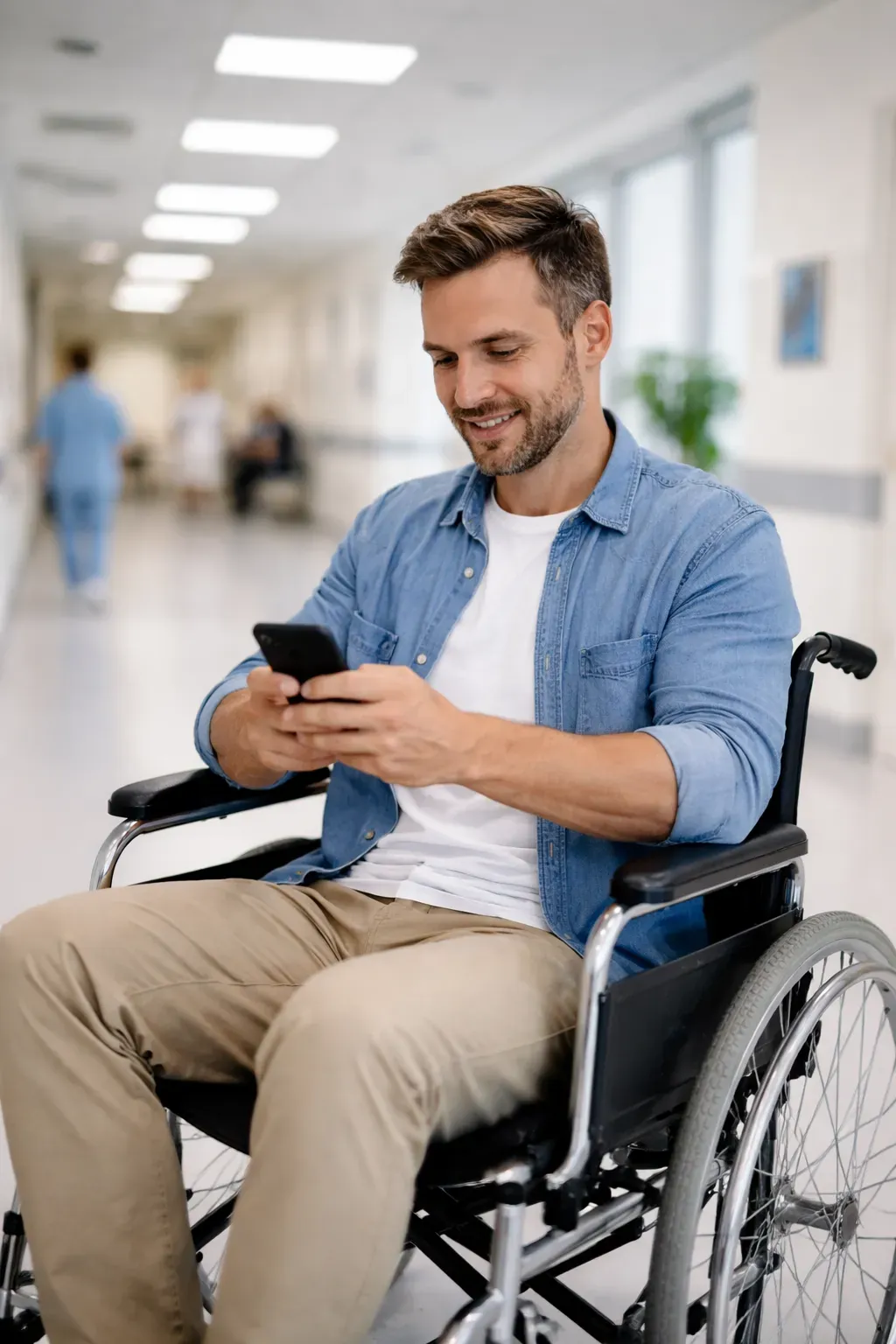
I use a wheelchair. Is there a ramp to the pharmacy?
A veteran in a wheelchair needs to reach the pharmacy without stairs.
Control every route in your space from one dashboard. Edit directions, turn routes on and off, and see how visitors move.
Explore RouteMe Pro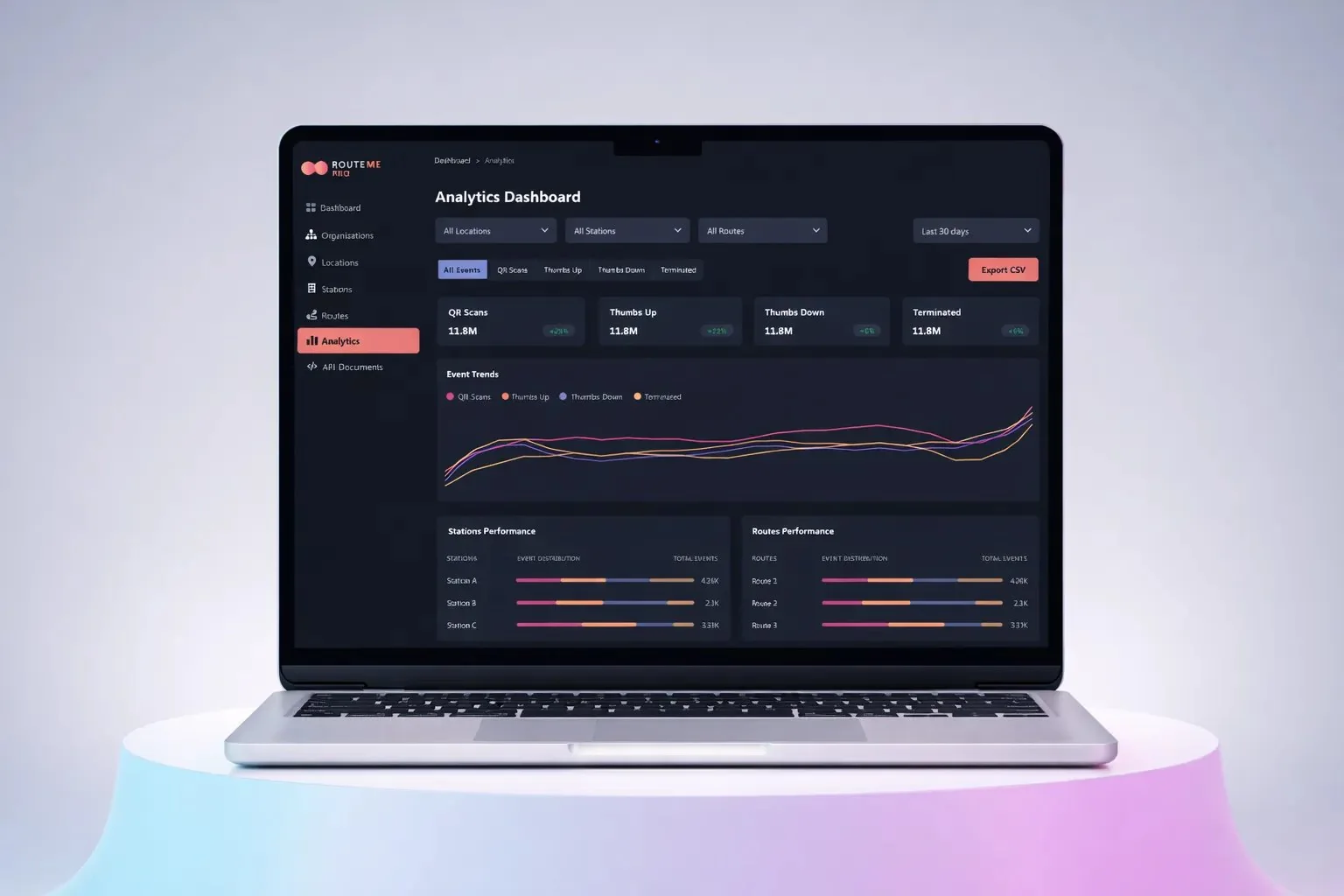
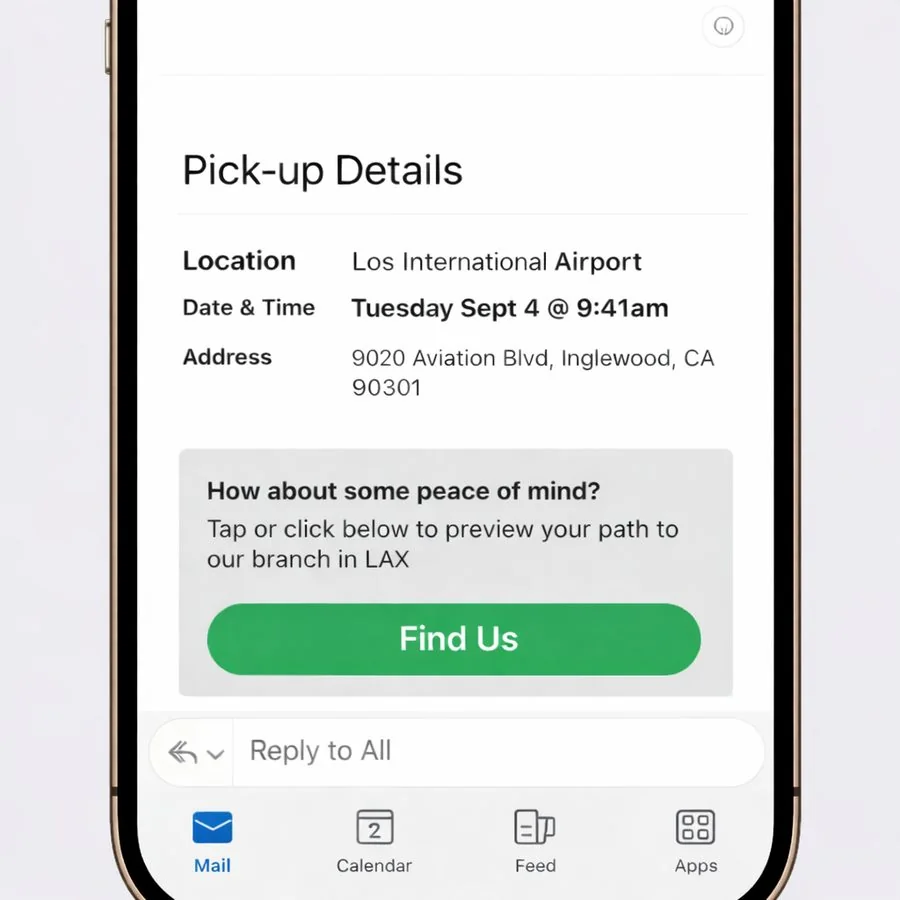
Every route is a link, so visitors can preview the walk before they leave home.
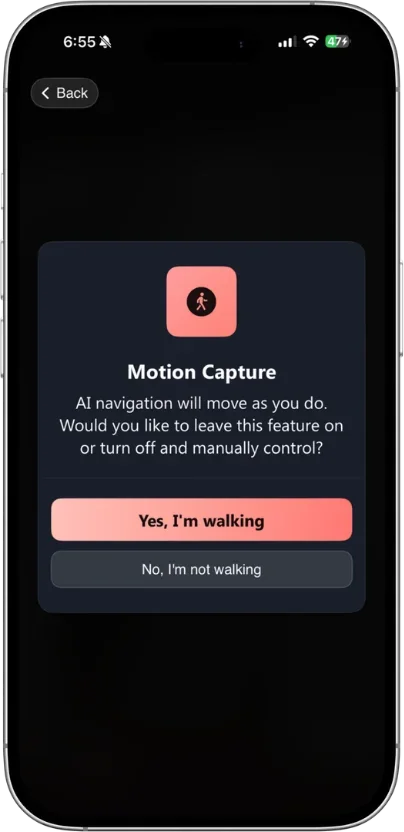
Guidance keeps pace with every step and recalculates the moment someone drifts off path.
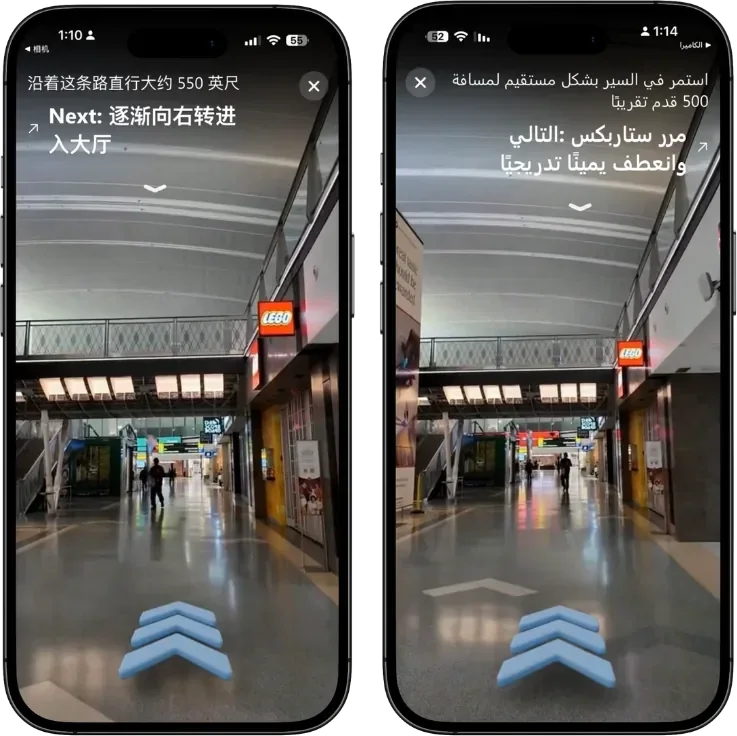
Accessible only routes, haptics, VoiceOver and multi-language audio for every visitor.
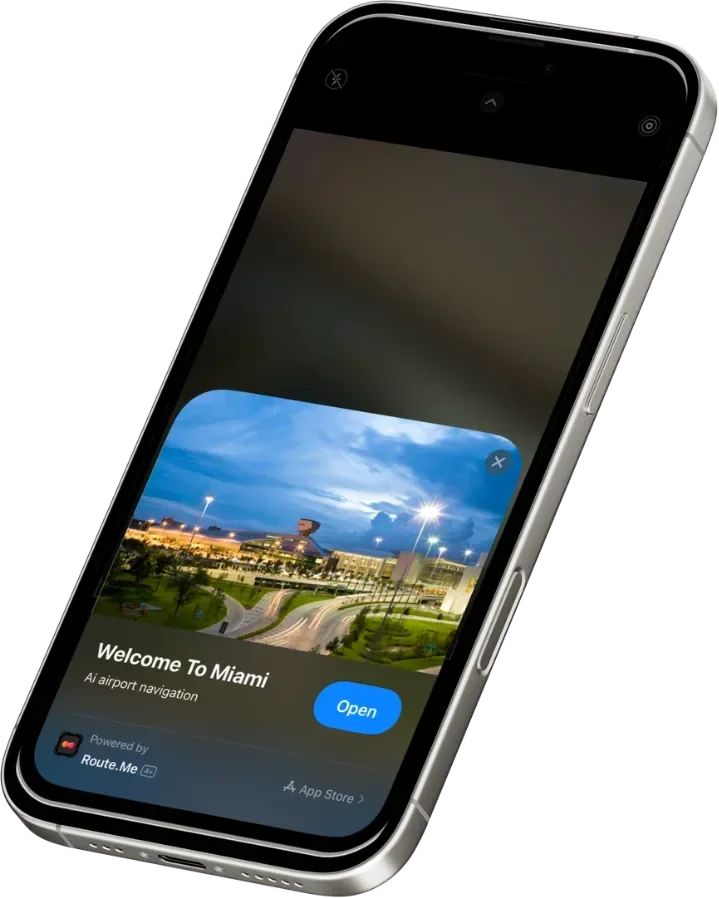
Opens from a QR code, NFC tag or link in seconds. No app store, no login.
Directions inside MyChart from the moment a visit is booked.
Curb to gate, lounge or rental car center, in any language.
Accessible routes for assisted travelers, from check in to boarding.
From baggage claim to the counter to the exact car.
Built for hospitals, airports and airlines that can't afford downtime.
Explore trust and reliabilitySee how RouteMe gets every visitor to the right door, the first time.
Book a demo