
Where people need to get to
Every place visitors actually ask for — clinics, gates, counters, labs. Add the floor, flag whether an elevator is involved, and leave notes for anything unusual.
This page is the whole picture — what to have ready before you reach out, who does what, how pricing works, and what your security team will want to see. No discovery-call gatekeeping.
Prefer to read first? Jump to how pricing works, security & privacy, the implementation guide, or the questions buyers ask most.
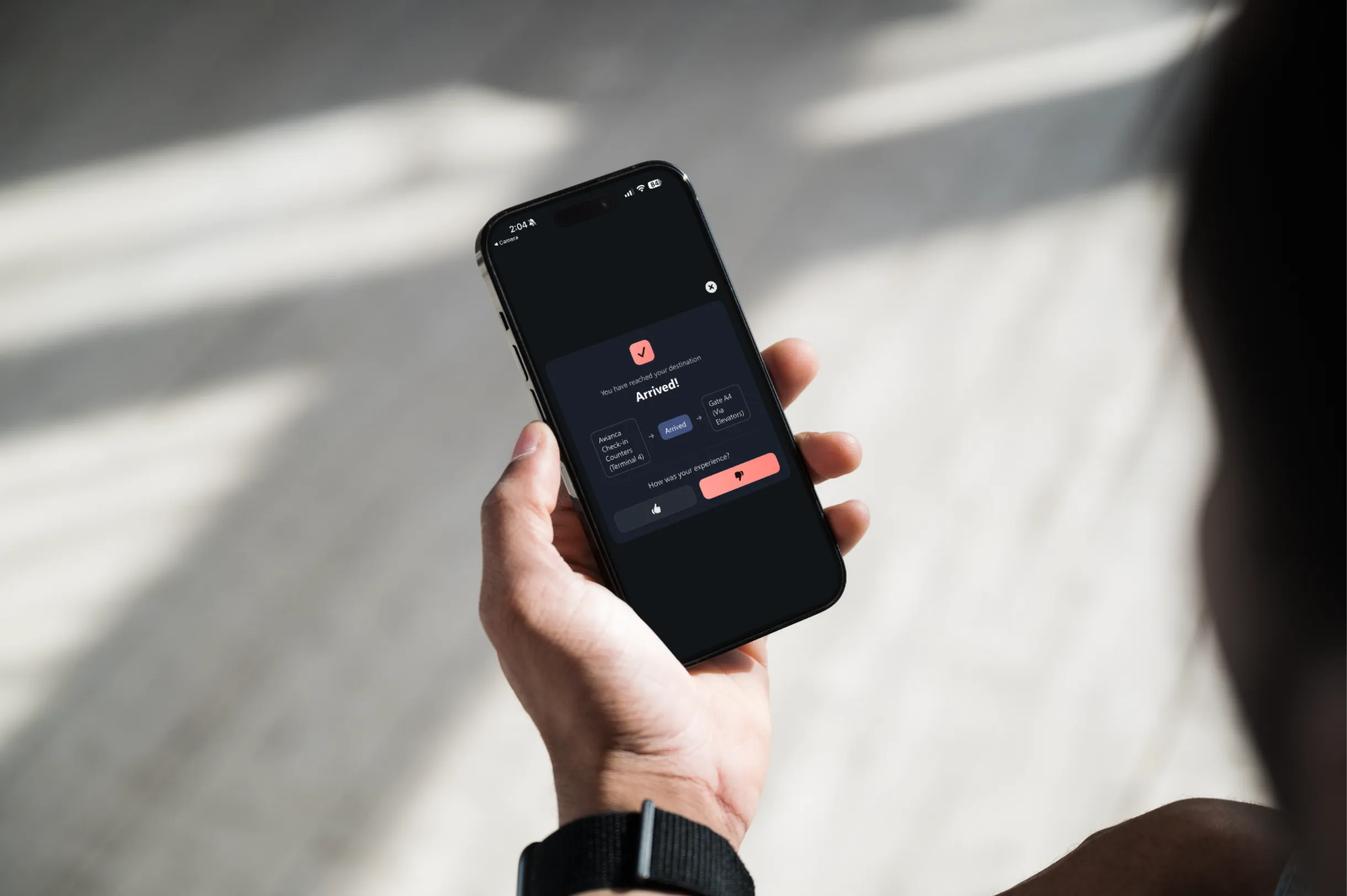
Start here
Every rollout begins the same way: you tell us where people arrive, where they need to get to, and which of those journeys we should film. That used to be a spreadsheet passed back and forth. Now it's a guided tool you can open right now — most venues finish in 10–15 minutes, and it saves as you go.
Every place visitors actually ask for — clinics, gates, counters, labs. Add the floor, flag whether an elevator is involved, and leave notes for anything unusual.
Main entrances, parking garages, drop-off doors, transit links. For each one you tell us where its QR code will live, so signage gets specified at the same time.
Tick the destinations reachable from each origin. Not every pairing needs a route — you choose which matter, and that grid becomes the exact shoot list our crew works from.
No account, no download, nothing to install. Start listing your venue now and pick it back up whenever you like — your progress is kept in this browser.
Come prepared
You don't need any of this to start a conversation. But having it makes the first call twice as useful, and gets you to a real number faster. The full checklist lives in the implementation guide.
Rough answers are fine — we're sizing the project, not auditing you.
These five questions determine scope, price, and timeline more than anything else.
Division of labor
The short version: you decide where people need to go, and we handle everything after that. No new headcount, no internal build.
In practice, most clients staff this with a single project owner giving a few hours a week during planning, plus whoever escorts our crew during capture.
Investment
RouteMe is quoted per venue rather than off a public price list, because a four-clinic outpatient center and a three-terminal airport aren't the same project. Here's the honest structure behind every quote.
Three variables account for nearly all of it.
No line items appear later for these.
The line items competitors usually charge for.
Start with a pilot, not the whole portfolio. Most clients begin with one building or terminal at a fixed pilot price, prove the metric they care about, then expand. Expansion locations are cheaper per venue, because the planning template and branding are already done.
Security, privacy & accessibility
We sell into hospitals, airports, and airlines, so these reviews are routine. Here's what we lead with — and we'll get on a call with your security team directly.
RouteMe is hardware-free. There are no beacons, sensors, or devices to install, nothing to add to your network diagram, and no facilities work — which removes most of the usual security surface before the conversation even starts.
Every frame passes through our privacy layer first. Faces, badges, ID cards, and sensitive text are automatically detected and blurred before any footage is stored or used to build a route.
Visitors tap a link or scan a QR code and navigate in the browser. There's no download, no login, and no personal account required to get a route — which keeps your visitor data footprint small by design.
Step-free routing, haptic feedback, VoiceOver and TalkBack support, high-contrast mode, and WCAG AAA-compliant UI ship on every deployment, with no extra configuration or licensing.

Automatic privacy blurring applied during processing — faces, badges, and sensitive text are obscured before footage is stored.
Proof
Ask us to connect you with a reference in your sector — we'd rather you hear it from them.
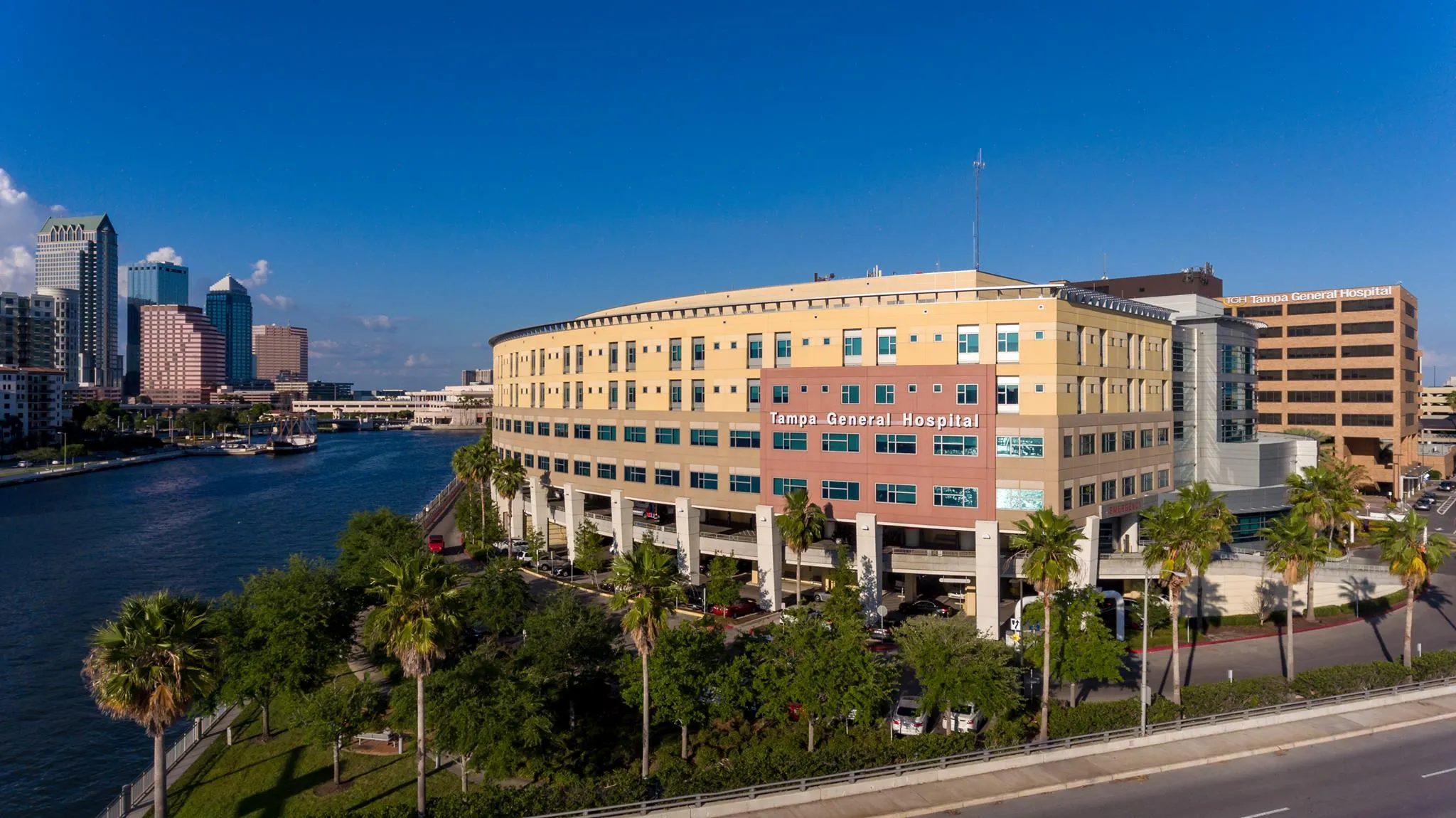
Healthcare
Late arrivals reduced and front-desk staff refocused, with pre-visit guidance delivered through MyChart.
Airline
100,000+ passengers guided from booking to gate, with real-time gate-change alerts inside the airline app.
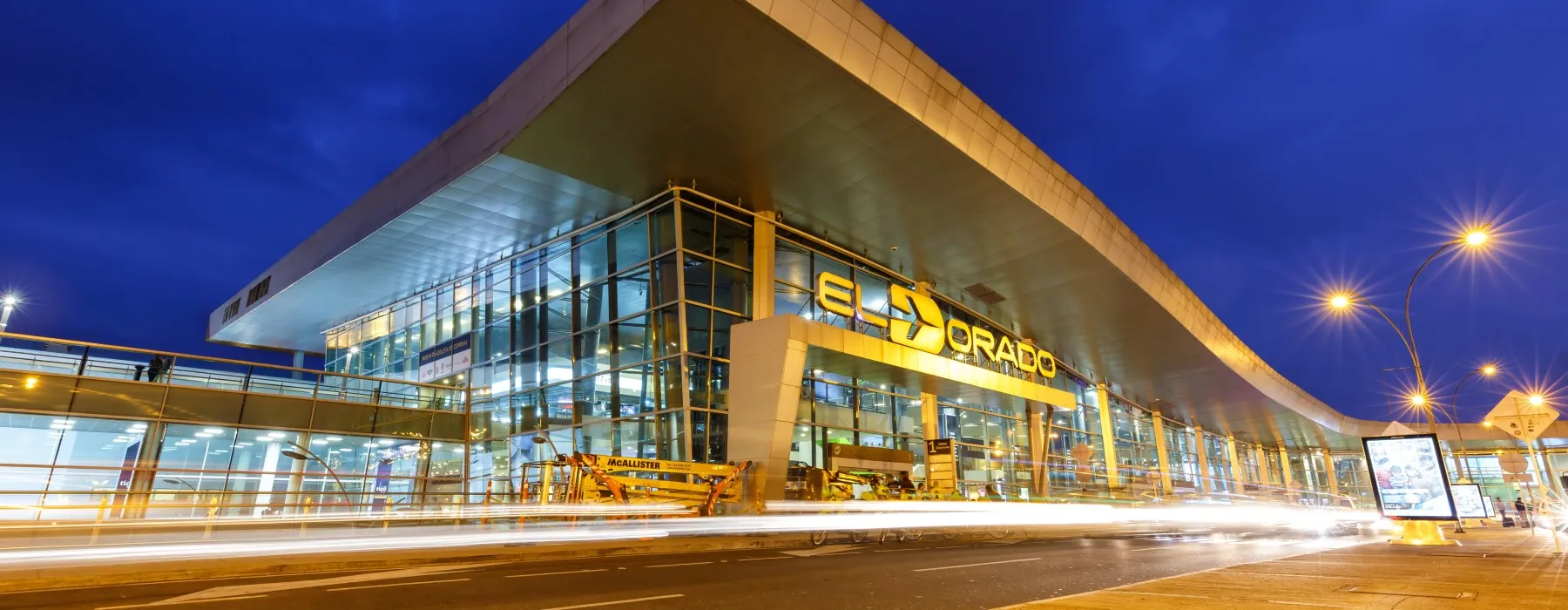
Airport
Thousands of passengers guided daily across three terminals, including offline routing underground.
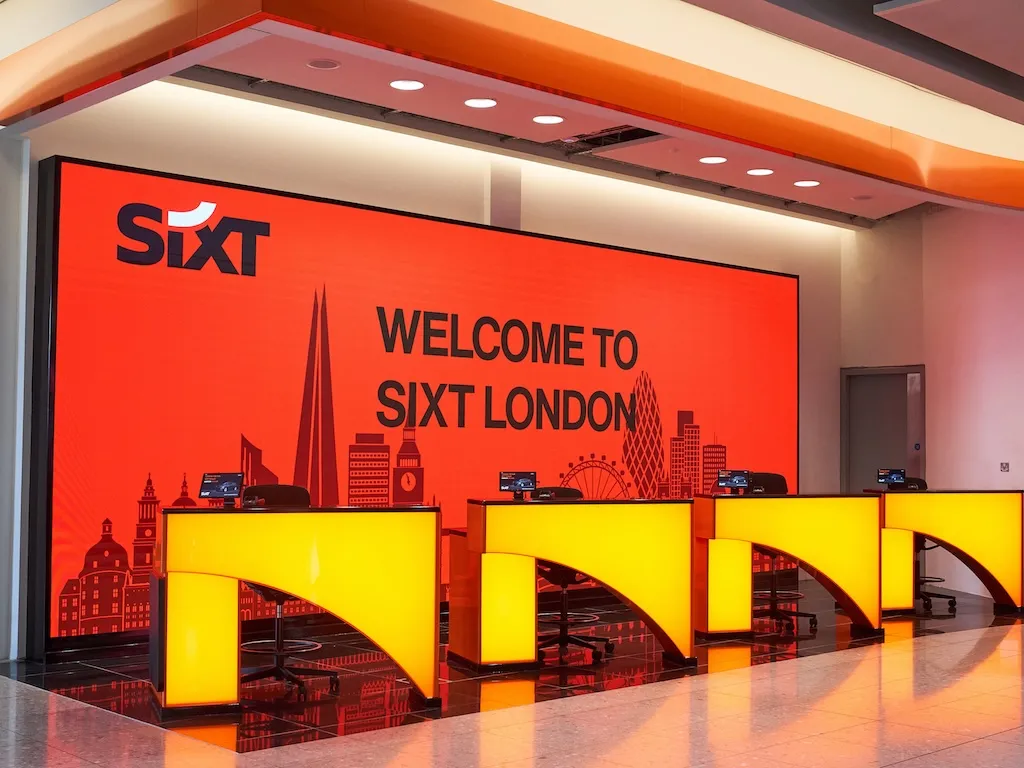
Rental cars
250,000+ travelers guided and a 50% reduction in wayfinding questions at rental desks nationwide.
Go deeper
Everything above in full detail — the planning document, the day-one dry walk-through, signage requirements, and the discovery questionnaire we'll work through together. Take both to your team.
PDF · 14 pages
The step-by-step deployment guide, plus the discovery questionnaire your team fills in before filming.
The ones that come up on nearly every evaluation call.
Yes — that's the normal path. Most clients start with a single building, terminal, or floor at a fixed pilot price, agree a success metric up front, and decide on expansion once the data is in. You are not asked to commit the whole portfolio to find out whether it works.
Considerably less than an internal build. Expect one project owner spending a few hours a week during the planning phase — mainly filling in the route spreadsheet and reviewing branding — plus someone to escort our capture crew during filming. Everything after capture, including route generation, QA, and ongoing maintenance, sits with us.
Route maintenance is on our side. Departments move, gates get renumbered, and construction reroutes corridors — when that happens we update the affected routes and republish. Because there's no hardware and no app release cycle, changes reach your visitors without an app store review or a truck roll.
No. RouteMe runs entirely in the mobile browser — a visitor taps a link or scans a QR code and gets full turn-by-turn guidance immediately. If you'd rather it live inside your own app, patient portal, or kiosk, we integrate through a single API call instead.
Nothing. No beacons, no sensors, no network hardware, no facilities work. RouteMe is software-only, which is why deployments are measured in weeks rather than quarters and why there's no capital expense line in the quote. Kiosks are available if you want them, but they're optional.
Every frame goes through our privacy layer before storage. Faces, badges, ID cards, and sensitive text are automatically detected and blurred as part of processing — not as a manual review afterwards. We'll walk your privacy or compliance team through exactly how that pipeline works.
We agree the metric before the pilot starts, precisely so this conversation is objective. If the number doesn't move, you'll see it in the analytics dashboard alongside where visitors actually dropped off — which usually points at a fixable route or placement issue rather than a verdict on the whole project. And if it isn't a fit, we'd rather know at pilot scale than at portfolio scale.
Just ask. We work with hospitals, airports, airlines, and rental car operators, and we'll connect you with a reference in a venue comparable to yours so you can hear about the rollout without us on the call.
Yours. RouteMe is fully white-labelable — your logo, colors, fonts, welcome messaging, and tone of voice. Visitors experience it as a native part of your product rather than a vendor tool bolted on, whether it's running in your app, on the web, or on a kiosk.
Tell us about your venue and we'll come back within one business day — with a walkthrough tailored to your space and a pilot plan if it's a fit.