
Introducing the Route Planner
Your planning document, without the spreadsheet. List destinations and entrances in minutes and we turn it into the shoot list.
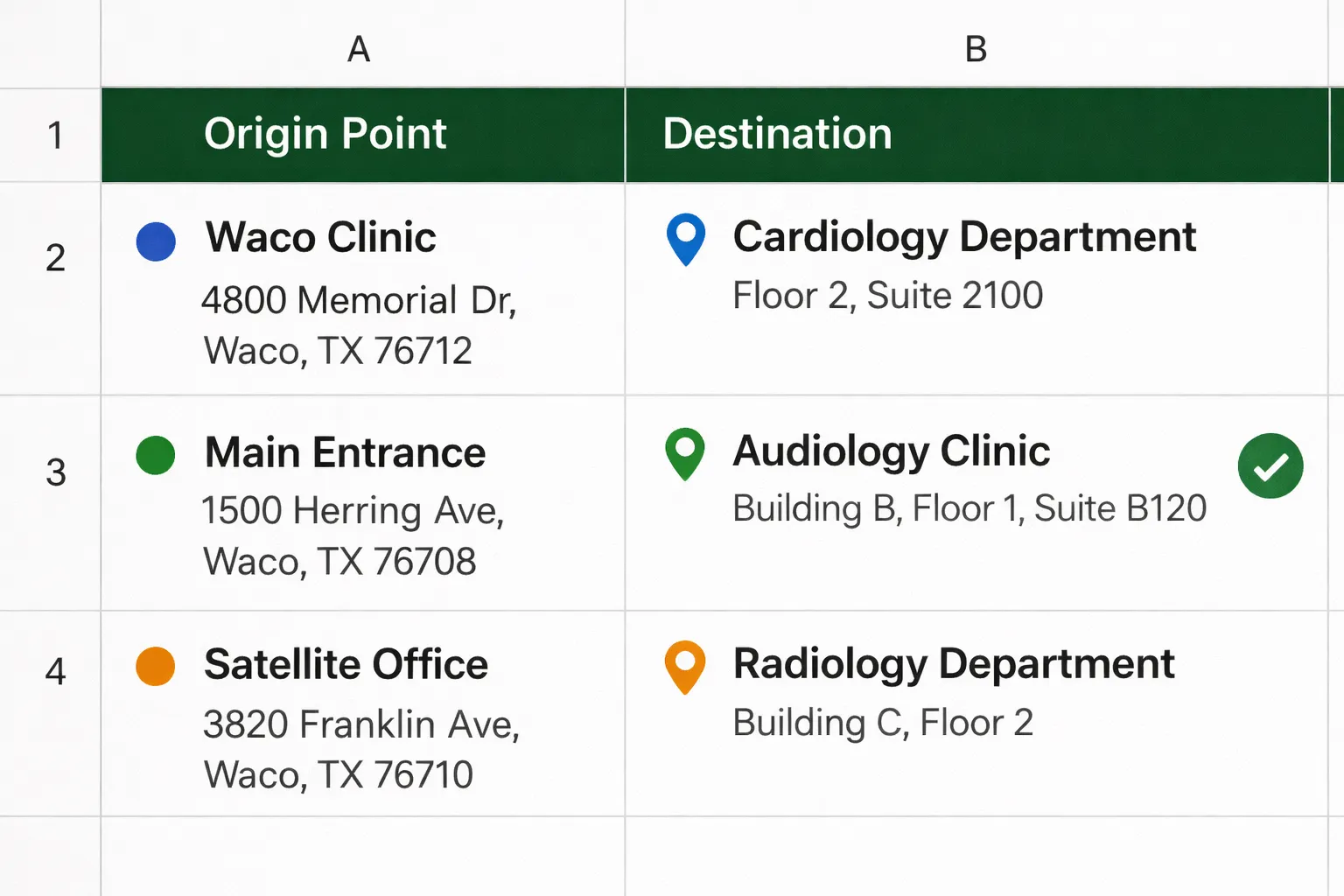
Every RouteMe rollout starts with the same question: where do your visitors arrive, and where do they need to go? For years the answer lived in a spreadsheet passed back and forth by email. The Route Planner replaces it.
Three steps, about 15 minutes
- Destinations. Every place visitors ask for: clinics, gates, counters, labs. Add the floor and flag whether an elevator is involved.
- Origin points. Main entrances, garages, drop off doors and transit links, plus where each QR code will live, so signage is specified at the same time.
- Connect. Tick which destinations matter from each origin. That grid becomes the exact shoot list our crew works from.
The planner saves as you go, needs no account or download, and floor plans are optional. Your team can pick it up whenever they like, and our staff see progress live so questions get answered before the shoot, not during it.
See the Route Planner, the implementation video and the guide →